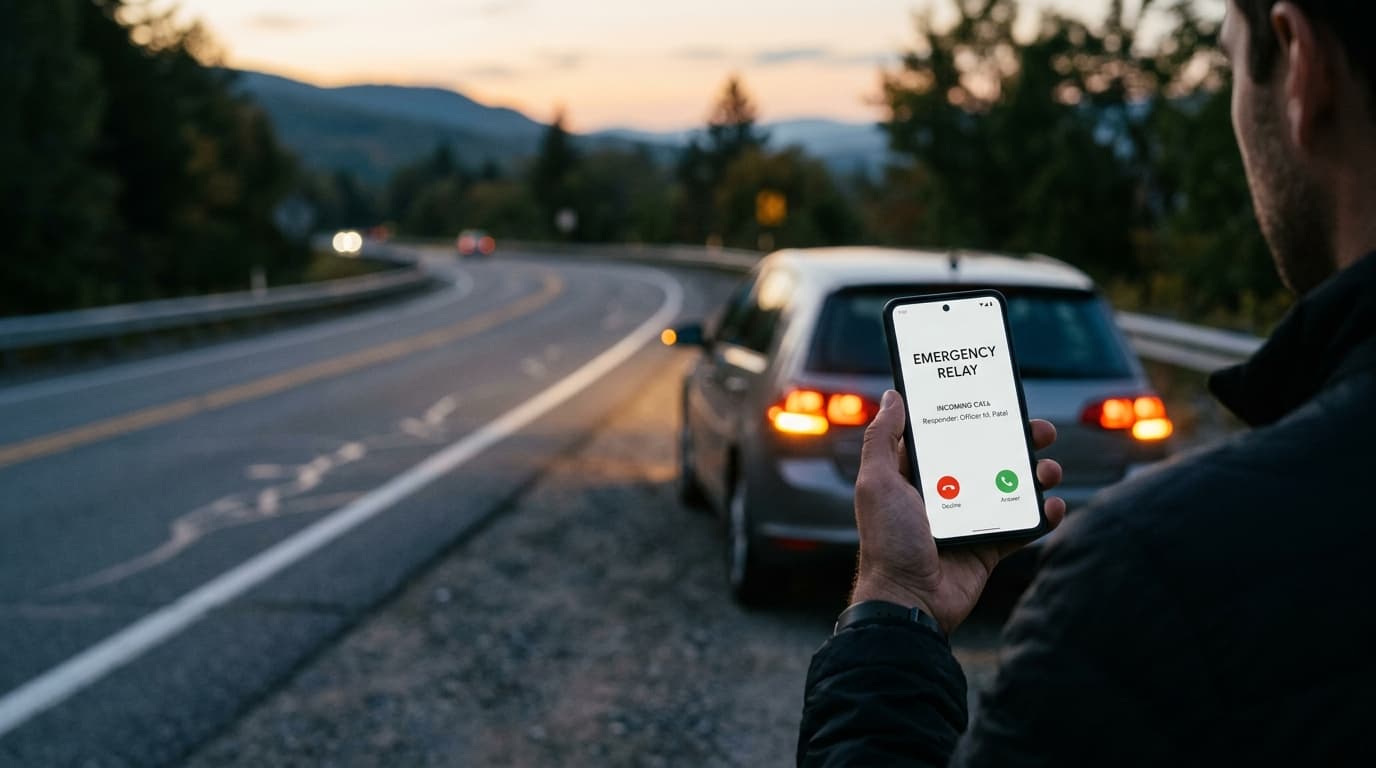
“When a vehicle is involved in a roadside incident or causes a parking obstruction, the speed and reliability of the notification pipeline determine whether the situation is resolved calmly or escalates into tragedy. Behind a simple 3-second QR scan lies an orchestrated, multi-tier notification engine designed on Cloudflare Workers and telecom gateways to guarantee delivery even under degraded mobile networks. Here is the technical architecture of that emergency handshake.”
1. The Two Communication Modes: Emergency Incident vs Vehicle Movement
Not all roadside scans are accidents. VaahanSafe differentiates between two distinct operational modes:
Mode A: Vehicle Movement Alert (Parking / Obstruction)
Designed for routine urban congestion, double-parking, or blocked driveways. The passerby selects 'Vehicle Moving Required'. The system immediately dispatches a high-priority push notification and SMS to the registered vehicle owner: 'Your vehicle [MH 12 AB 1234] is causing an obstruction at [Street Name]. Please move it.' No calls are placed to emergency family contacts in this mode.
Mode B: Roadside Emergency / Collision Alert
Triggered when the passerby selects 'Emergency Assistance / Collision'. This activates the high-urgency fallback telephony cascade, dialing pre-registered emergency contacts immediately.
2. The Fallback Escalation Cascade: Timer-Based Routing
In an emergency, if the primary contact is in a meeting, driving, or has their phone on silent, seconds matter. VaahanSafe executes an automated, timer-governed escalation cascade:
Primary Emergency Contact Dial (25-Second Window)
TIER 1The edge gateway dials Priority Contact 1 via masked virtual DID with an automated IVR announcing: 'This is an urgent VaahanSafe emergency alert regarding vehicle [MH 12 AB 1234]. Press 1 to connect to the roadside responder.'
Secondary Contact Escalation (20-Second Window)
TIER 2If Contact 1 does not answer or declines within 25 seconds, the system instantly switches to Priority Contact 2, placing a simultaneous voice call while logging the transition in the audit queue.
Multi-Channel Broadcast Burst (Instant Fallback)
TIER 3If neither voice call is answered, the engine broadcasts an urgent WhatsApp notification and SMS to all registered contacts containing: 'EMERGENCY: Vehicle [MH 12 AB 1234] QR scanned at [Location]. Live GPS: [Maps Link]. Responder is attempting contact.'
3. Preventing Notification Storms: Edge Idempotency
At a major highway accident, ten different bystanders may attempt to scan the vehicle QR code within two minutes. Without rate-limiting, the victim's family would be overwhelmed by a paralyzing flood of simultaneous calls and SMS alerts.
VaahanSafe enforces an edge-backed deduplication window using Cloudflare Queues and D1. When a scan event occurs, an idempotency key `qr_{id}_incident_{window}` is locked for 8 minutes. Subsequent scans within this window are linked to the existing active incident session, allowing additional helpers to view status without triggering duplicate voice calls.
What number will my emergency contacts see on their caller ID?
Calls originate from our verified telecom virtual DID (e.g., `+91-80-XXXX-XXXX`). The caller ID displays 'VaahanSafe Emergency Relay' on supported networks, ensuring contacts recognize the call as a critical alert rather than spam.
Can an emergency contact call back the number if they miss the call?
Yes. If an emergency contact calls back the virtual DID within 30 minutes of the incident, our IVR recognizes their incoming phone number, retrieves the active incident context, and provides options to connect directly to the roadside helper or listen to incident location coordinates.
- TRAI Emergency Communication & Calling Line ID Privacy RegulationsSource: trai.gov.in
Standards for enterprise telecom DID relays and emergency IVR announcements
- Cloudflare Workers & Queues Distributed Event Processing ArchitectureSource: cloudflare.com
Sub-50ms edge resolution and queue-backed idempotency specifications
Canonical reference guidelines and regulatory specifications under VaahanSafe Documents.
Learn how the vehicle safety identity works.
Industrial UV-cured optical decals connecting bystanders directly to your emergency contacts without exposing private phone numbers or home addresses.
The Roadside Bystander Action Chain: First Steps at a Highway Incident
A pin-to-pin operational protocol for the critical first 15 minutes at an Indian highway accident: perimeter safety, optical QR relays, emergency dispatch, and cervical stabilization.
The Dual-Layer Identity: How Physical QR Pairs with Digital Security
A deep architectural walkthrough of how VaahanSafe decouples physical sticker inventory from authenticated vehicle ownership records on Cloudflare D1.